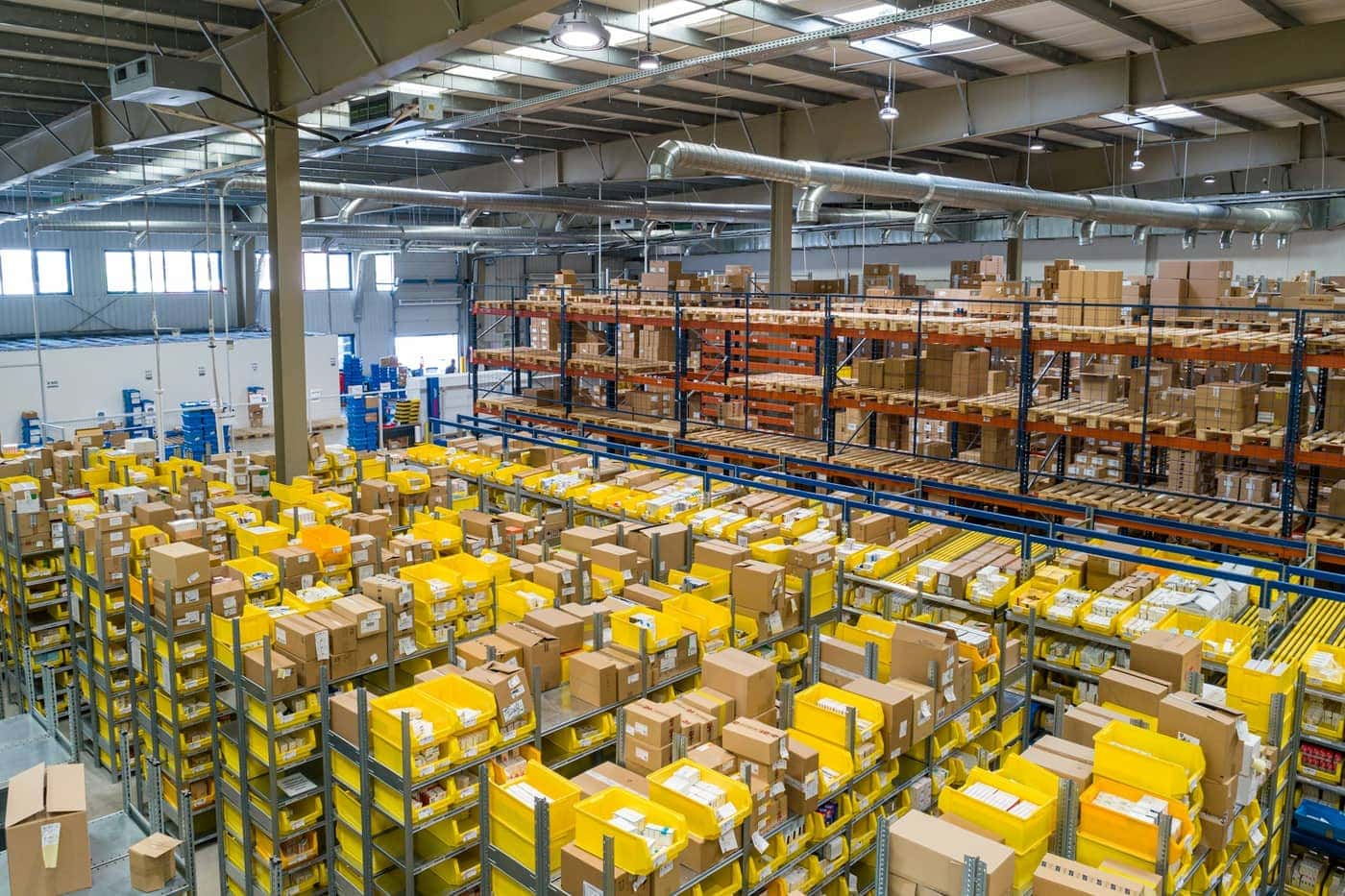
Available · Stock management
Inventory management for your bookstore
Always know what's on the shelves — and what's running low
Receipts, issues, adjustments and consignment linked to the catalog. Alerts, inventory health and movement history help the team act in time.
Available from Essentials
Why it matters for your bookstore
- Per-store stock on multi-store plans
- Receipts from PO receiving or manual inventory
- Low-stock alerts to reorder in time
- Movement history to see what happened
- Automatic updates on every counter sale
Typical stock flow
01
Start from the title
Open the card and read current on-hand.
02
Post a movement
Receipt, issue, or adjustment with a tracked reason.
03
Receive from a PO
Confirm arrived quantities and update stock.
04
Set thresholds
Define when a title is “low” for alerts.
05
Check before the weekend
Use alerts to reorder titles that move.

Operations
Goods receiving
Receive copies from a supplier order so catalog and stock stay aligned.
Fewer parallel spreadsheets between stockroom and counter.

Growth
Multi-store
Stock by location and transfers when the plan allows.
Useful with branches or corners.

Reliability
Aligned with sales
Each sale reduces on-hand; voids and returns restore stock in the POS flow.
Numbers that reconcile at close of day.
What you can do today
On-hand by title
Current availability linked to the catalog.
Tracked movements
Receipts, issues, and adjustments with history.
Receive from orders
Goods-in tied to the PO.
Low-stock alerts
Under-threshold signals.
POS-driven updates
Sales move stock automatically.
Multi-location (eligible plans)
Separate stock per store.
Transfers between locations
Move copies when needed.
Low-stock reporting base
Feeds low-stock reports.
How it connects
Inventory receives from orders, decreases from POS, holds copies and manages consignment lots. Inventory Intelligence uses the same on-hand data to propose reorders.
Example scenario
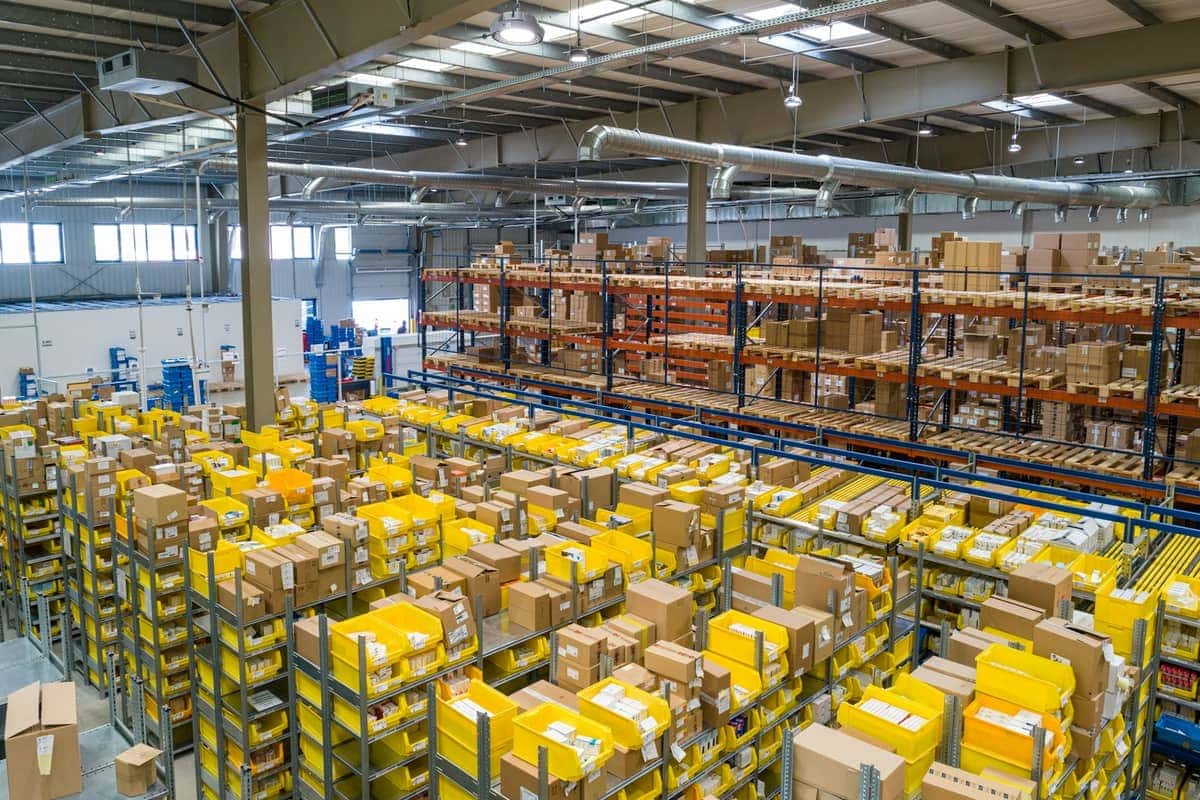
Friday you review under-threshold titles: you see what will run out over the weekend and prepare the distributor draft order.
Frequently asked questions
- Do sales update stock?
- Yes — POS reduces on-hand for the sold title.
- Can I fix count mistakes?
- Yes, with tracked adjustments in movement history.
- Does it work with multiple stores?
- Yes on multi-store plans (Business and above).
- Does it include forecasting?
- On-hand and alerts are live; advanced suggestions come with Inventory Intelligence (coming soon).


Put Booklane to work in your bookstore
Start a free trial and set up catalog and counter. Coming-soon modules stay labelled as such — no claims beyond the real product.